Family tree template Word: Best for
Families and students who want a familiar document they can type into, restyle, and print without learning design software.
REAL FILE DOWNLOAD
Guidance for using family tree template Word: Download an editable Word file with a three-generation layout, labeled fields, and roomy boxes for names, dates, and places.
The download contains a compact three-generation chart with seven person spaces, arranged in editable tables. Start with the root person, then fill the two parents and four grandparents.
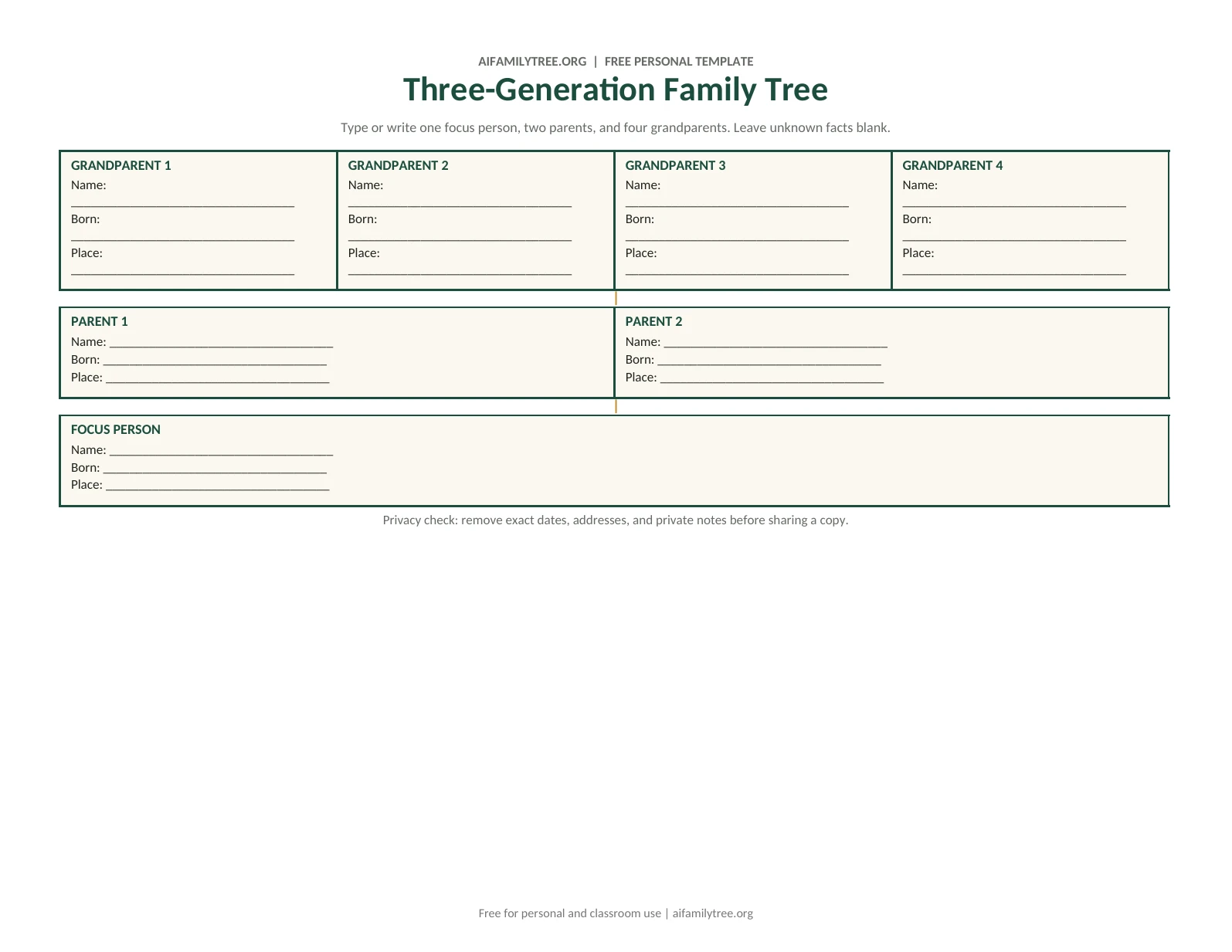
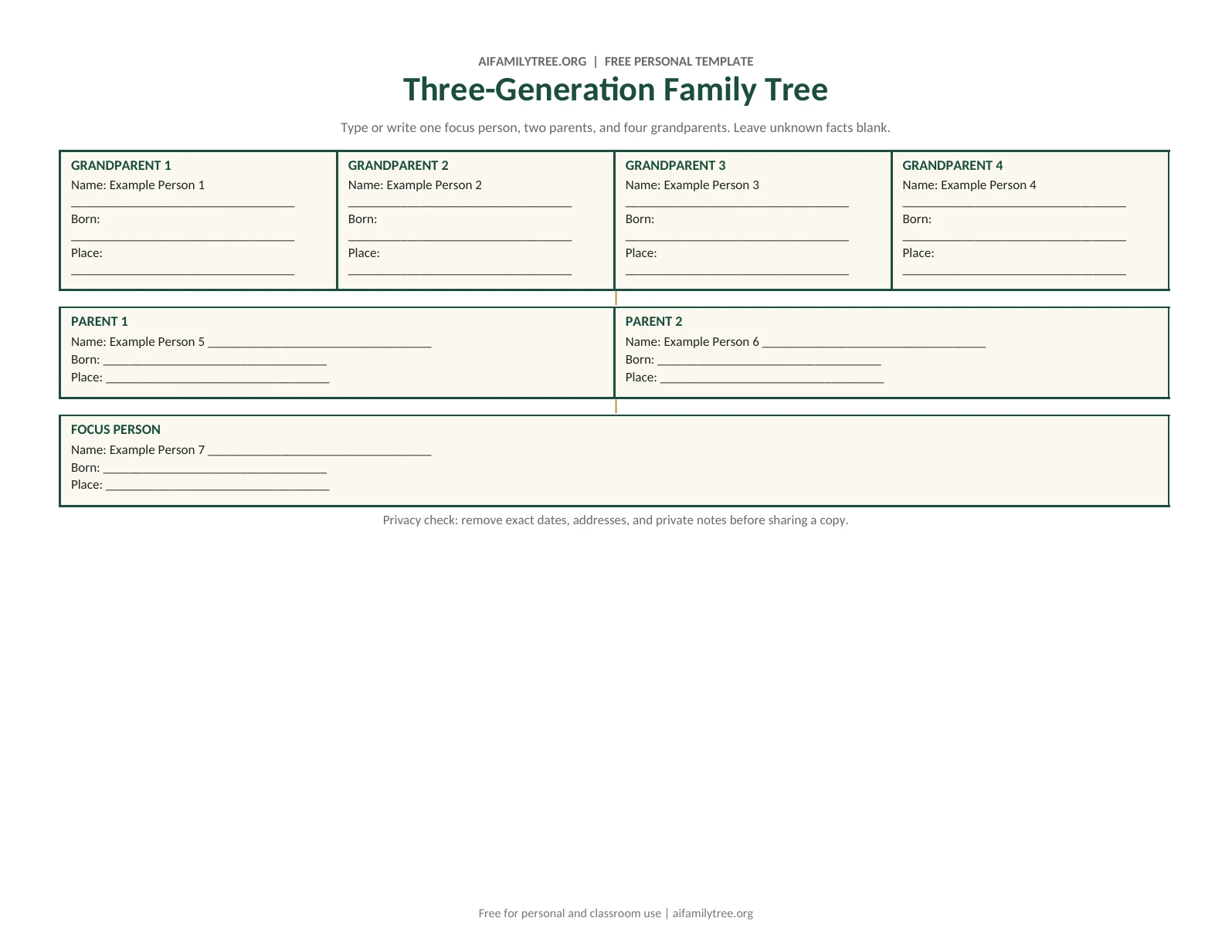
This is a fixed seven-person document, not an automatic layout tool. For extra branches or multiple partnerships, use a suitable online template. The DOCX download is available without registration.
Guidance for using family tree template Word: FIT BEFORE FORMAT
Guidance for using family tree template Word: Choose the people, layout and paper size before adding decoration. Use the notes below to check whether this format fits your family.
Families and students who want a familiar document they can type into, restyle, and print without learning design software.
Collect seven core relatives first: one focus person, two parents, and four grandparents. Leave unknown facts blank instead of guessing.
Word fonts and spacing can shift between computers, so review the last page at 100 percent before sharing.
VERIFIED FILES
Each button points to a real file stored on this site. The file type, intended editing surface, and limitations are stated before you download it.
THREE-PART WORKFLOW
Collect seven core relatives first: one focus person, two parents, and four grandparents. Leave unknown facts blank instead of guessing.
Keep the page in landscape orientation and shorten long place names before reducing the type size.
Save an untouched master copy, edit a working copy, and export the final page to PDF before sending it to a printer.
QUALITY GATE
Use the downloaded file for a compact offline tree. Use the online maker when relationships or branches need automatic layout.
FAQ
Start with verified names and relationships. The included DOCX is directly editable in Microsoft Word and uses ordinary tables rather than locked artwork.
Keep the page in landscape orientation and shorten long place names before reducing the type size. Save an untouched master copy, edit a working copy, and export the final page to PDF before sending it to a printer.
Word fonts and spacing can shift between computers, so review the last page at 100 percent before sharing.
Family tree template Word names: Confirm spellings, dates and parent or partner links before exporting.
Family tree template Word paper: Match the document size and orientation to the paper you will actually use.
Family tree template Word readability: Make sure the smallest names remain readable and no branches fall outside the page.
Family tree template Word privacy: Ask permission before sharing names, photos, dates or other personal details.
Print one test copy before ordering a large poster or multiple copies.
Backup checks for family tree template Word: Save a copy of your project and downloaded files before clearing browser data.
Open the family tree maker or compare the printable templates.
RELATED RESOURCES